

Required permission:
- Export Task
- View custom export
- Delete custom export
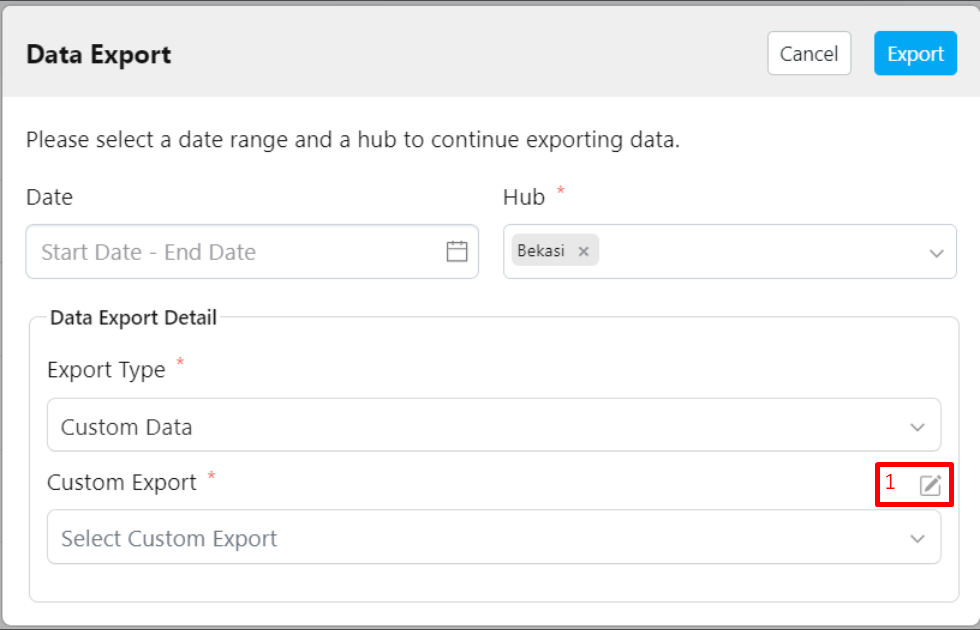
- Click the pencil icon (Custom Export Manager) located next to the Custom Export field.
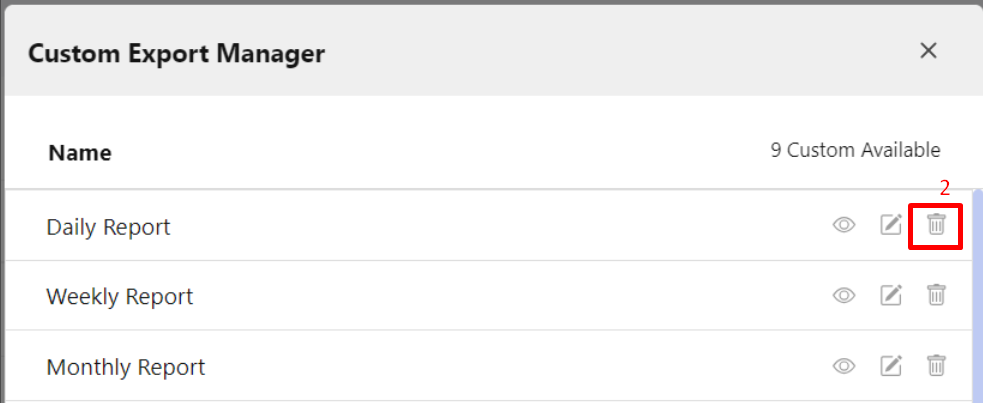
- Select the Custom Export you want to delete, then click the delete (trash) icon.
- Confirm the deletion by clicking the Delete button.