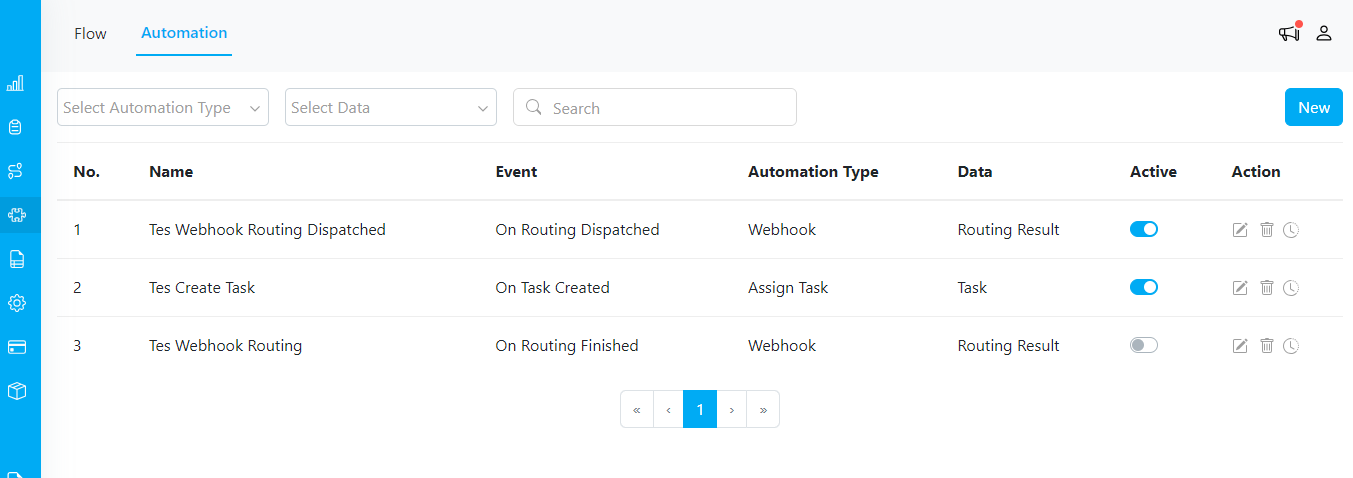
Automation Overview
Automation allows you to create settings that streamline Task Creation, Assignment, and Placement. These automations can be based on customizable rules, triggers, and specifications. For more advanced automation, you can utilize webhooks. Ensure you activate an automation after setting it up. Only active automations (toggle is blue) will be triggered. Disabled automations (toggle is grey) will not be triggered.
Important Note
  • If you activate multiple automations, it may take some time for all automations to complete.
  • You can check the Automation Log to see if an automation succeeded or failed.
  • If an Automation Action hasn’t been updated, reload the Task page.