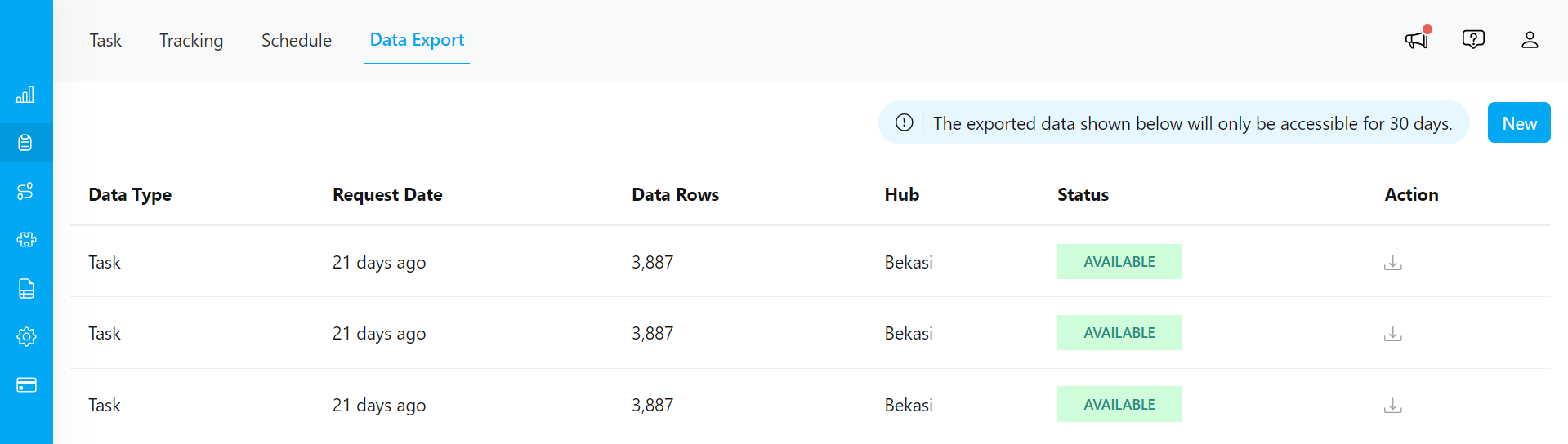
The Data Export feature is a menu that displays the process of exporting requested task data. The export task data will be available for download if the status is “Available”, if the export status is not yet “Available”, then you cannot download it.
Required permission:
  • Export Task
Please note that the exported data results are accessible and downloadable for only 30 days. If more than 30 days have passed, the data will no longer appear on this page. You can access this feature on the Data Export page.
Data Export page display
Tip:
  • If you want to view the export status or download the exported task data, first initiate the export task process. Learn more details Export Task.
  • You can also perform task exports directly from the Data Export menu with more comprehensive options. Learn more details Export with Advance option.