

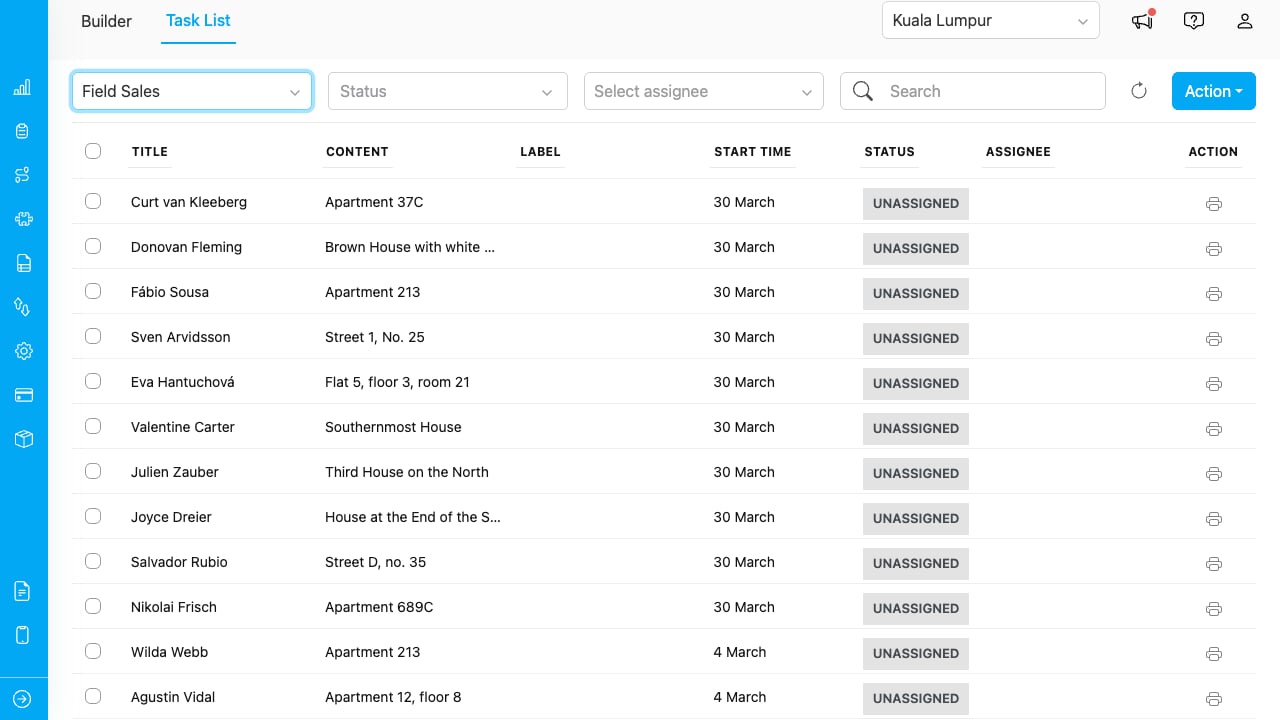
The Task List page with Field Sales flow selected, showing tasks with title, content, label, start time, status, and assignee columns.
Selecting a Flow
The Task List requires a flow to be selected before tasks appear. Click the Choose a flow dropdown and select the flow you want to work with.Tasks are always filtered by flow. You must select a flow to view any tasks.
Filtering Tasks
The filter bar provides four filters in this order:
The Refresh button (circular arrow icon) reloads the task list with current filter settings.
Printing from the Task List
Single Task
Click the printer icon in the Action column of any task row. This opens the template selection modal, then the Print Preview with that task’s data.Multiple Tasks
- Select tasks using the checkboxes in the first column.
- Click Action > Print.
- Choose a template.
- The Multi-Task Print modal opens with all selected tasks.