General information
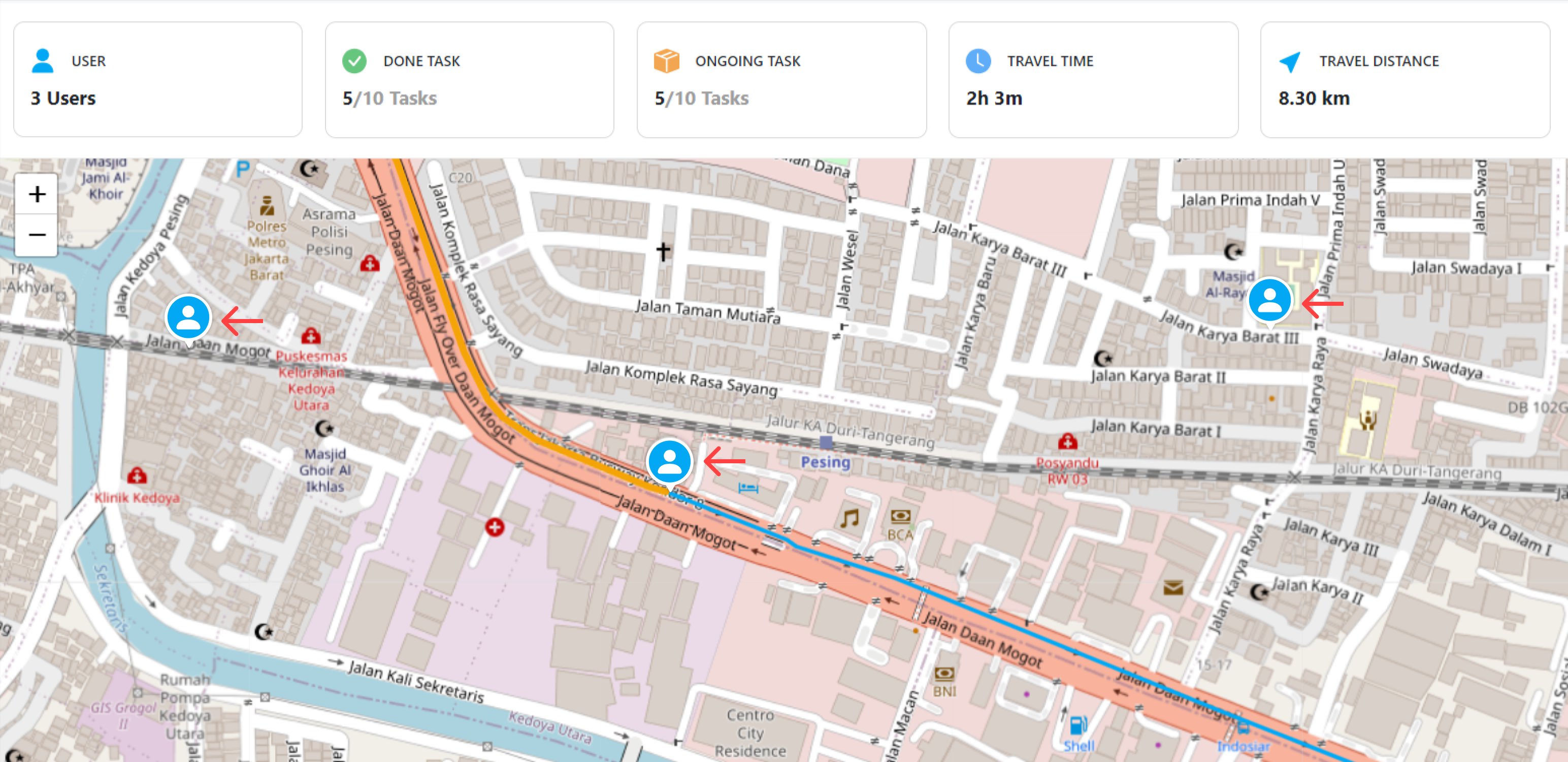
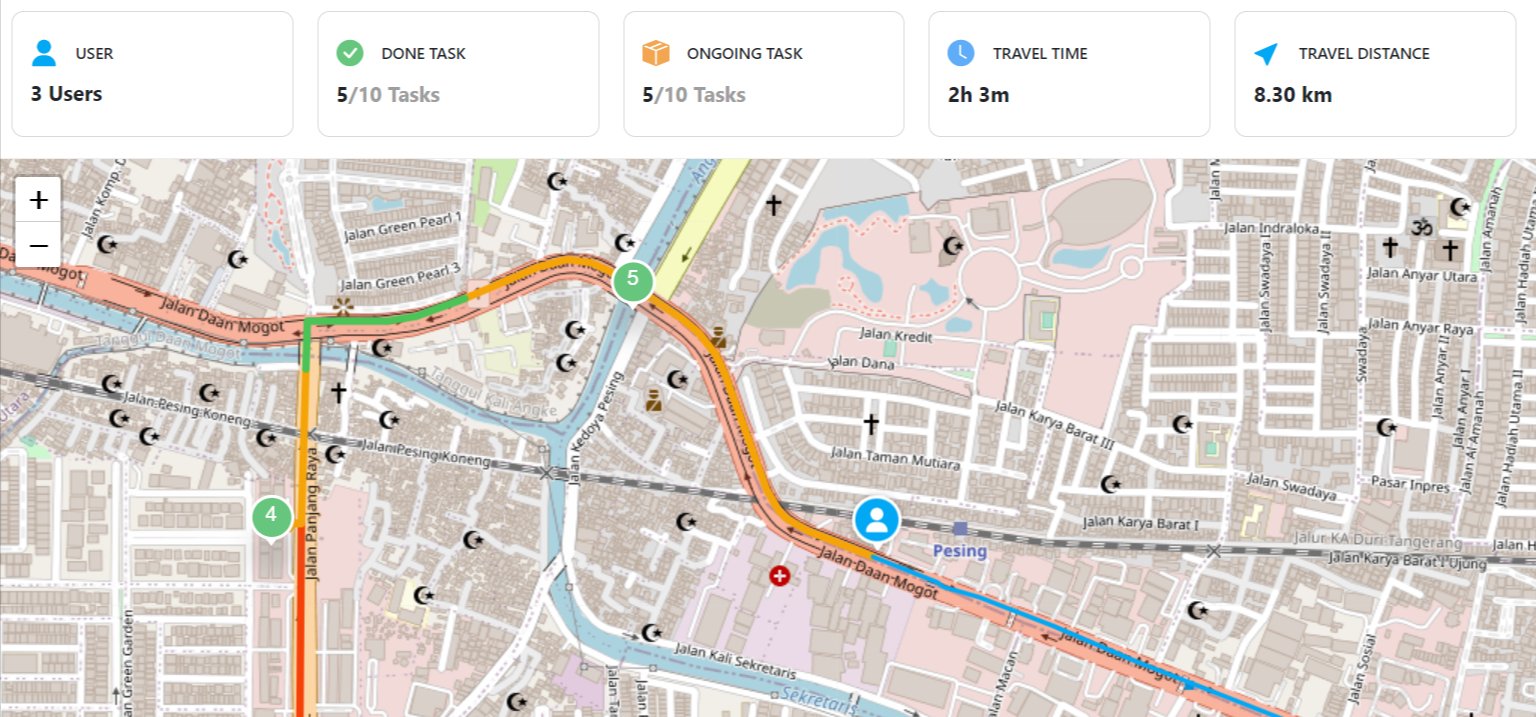
This information will show you a summary of all users’ information for that specific date, or if you haven’t chosen a specific date, it will show today’s date tracking history.
Active User
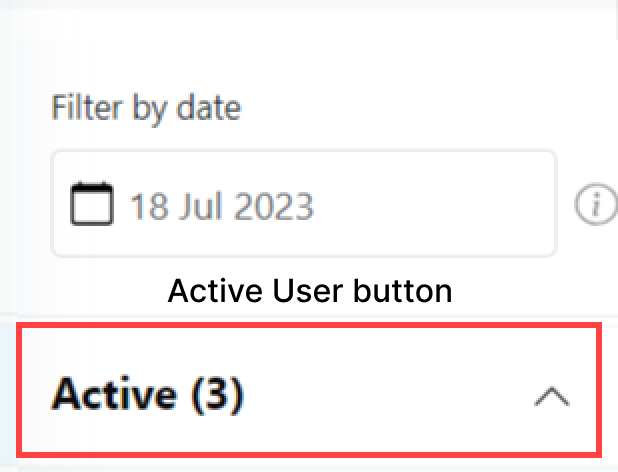
The active user list will show users that have an active Task on that day. If you wish to see the detailed tracking history of each user, click on the user on the list to view their task & location detail.All Active User History
Specific Active User History
If you wish to see the detailed location history of an active user, you should click their name first on the Active user list. After you choose a user, the map will show you a more detailed history of that user that include their current location, ongoing & done task location, and their start & finish location. The planned route for the ongoing task & the actual route for the done task for this user will also be shown on the map.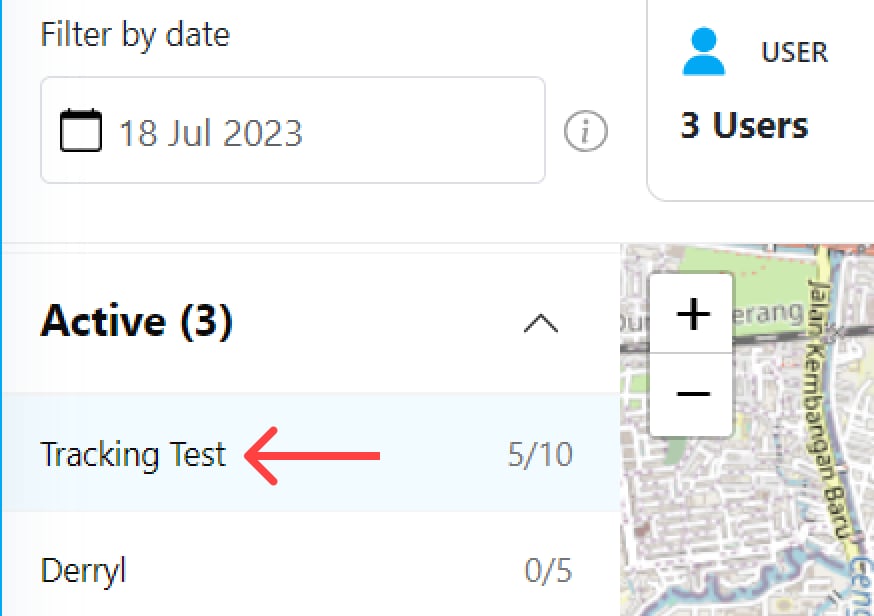
Inactive User
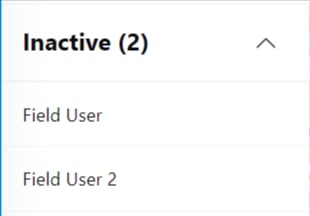
The inactive user list will show users that didn’t have a task on that day. This list will only show you the name of the inactive user, so it can’t be clicked because the inactive user didn’t send any data that could be shown on the tracking map. You could collapse or expand the inactive user list by clicking the arrow on the right side.