Set up the Start Finish Feature
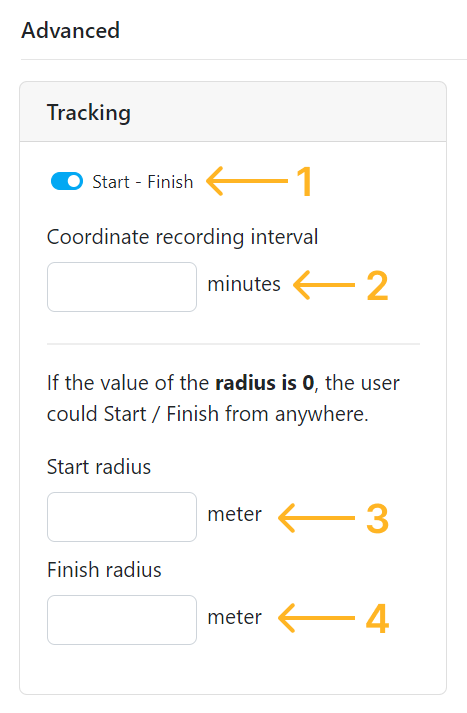
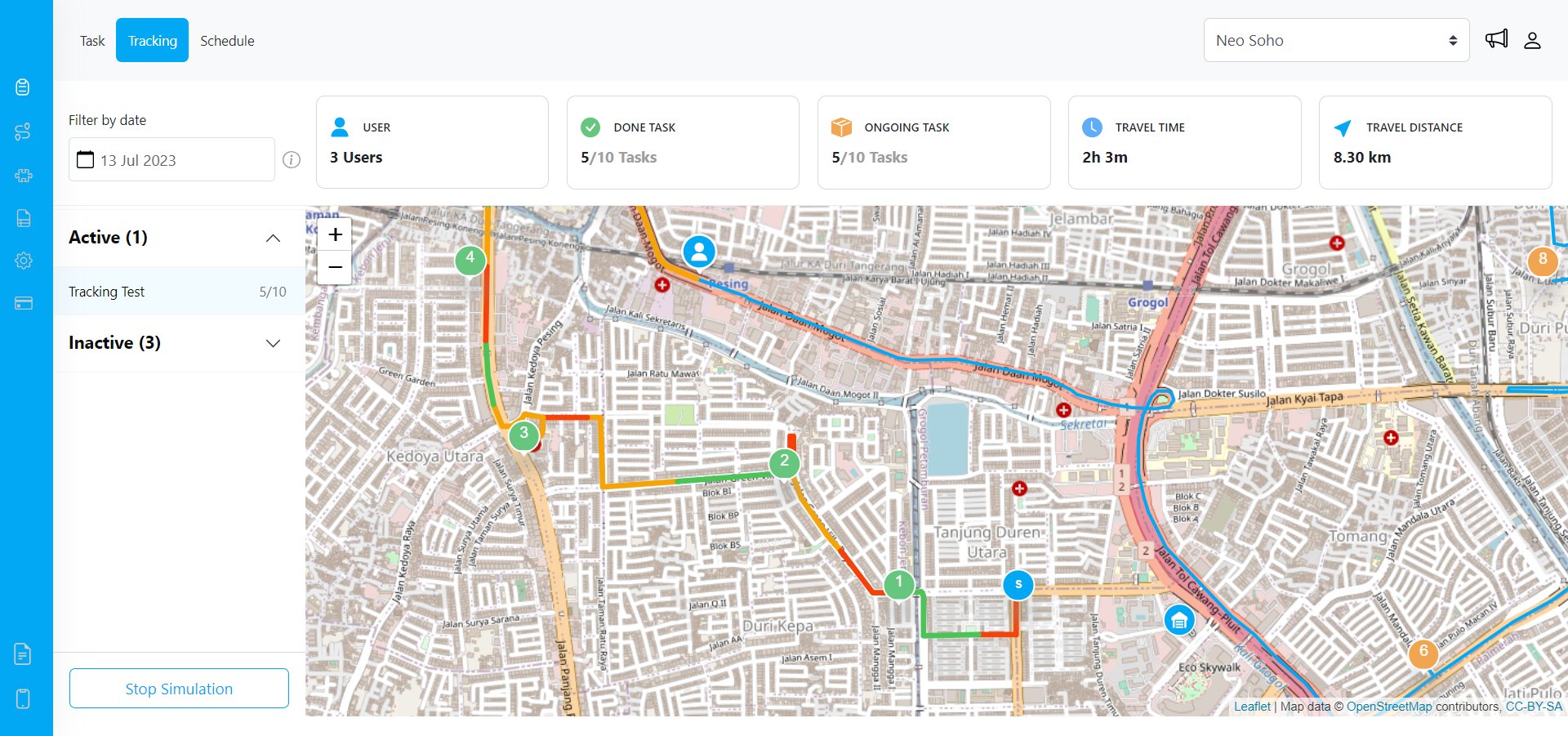
The Task Tracking location histories will be generated properly if you activate the Start Finish feature from the Permission page. At the Start Finish feature setting you could define the recording interval of the user location history, and you could also define the radius around your hub that will only allow users to Start & Finish when they are around that radius distance from your hub. This is where you set up the Start Finish feature:- Toggle to activate / deactivate this features.
- How often the coordinate of the MileApp Field user will be recorded.
- The radius around the hub where the MileApp Field user could start to accessing their task.
- The radius around the hub where the MileApp Field user could Finish to stopped accessing their task and stopped the coordinate recording.