Add New Custom Role
To create a new custom role, click on the “New” option within the Setting/Permission menu. This feature enables you to define a role with specific access permissions and responsibilities that align with your organization’s structure and workflows. Customize the role by selecting the appropriate access permissions for the role’s users.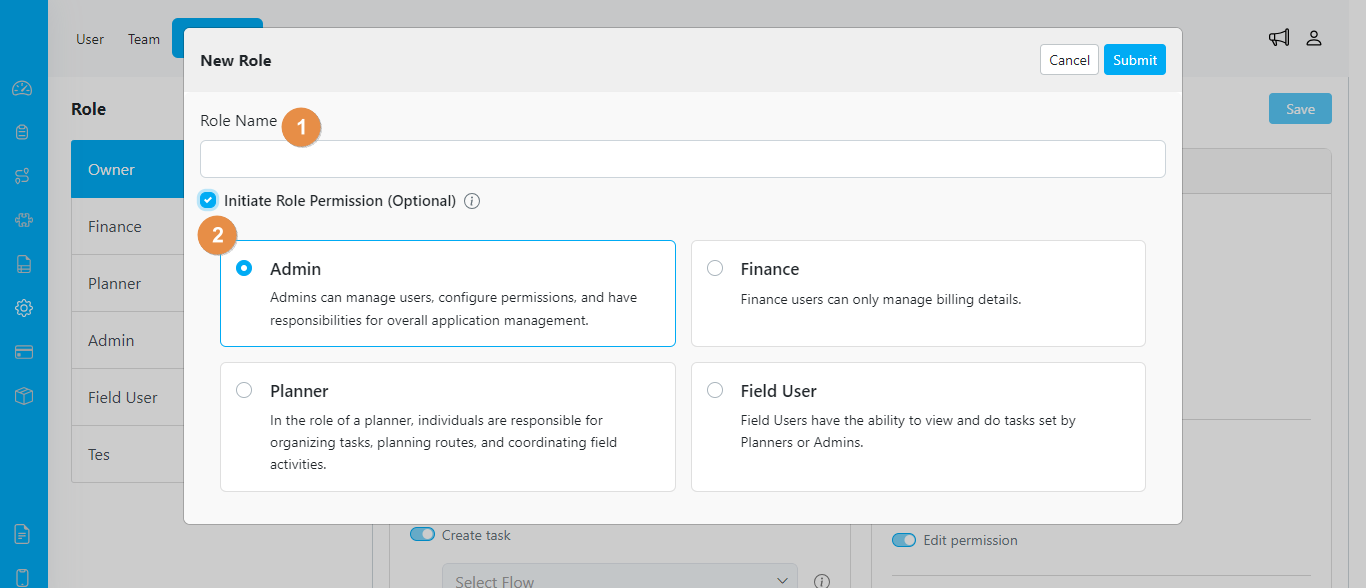
Form create new role
- Role Name. Input a unique and specific name for the role.
- Initiate Role Permission (Optional). You have the option to create a role with predefined permissions for efficiency. If you choose this option, the new role you create will mirror the permissions you select
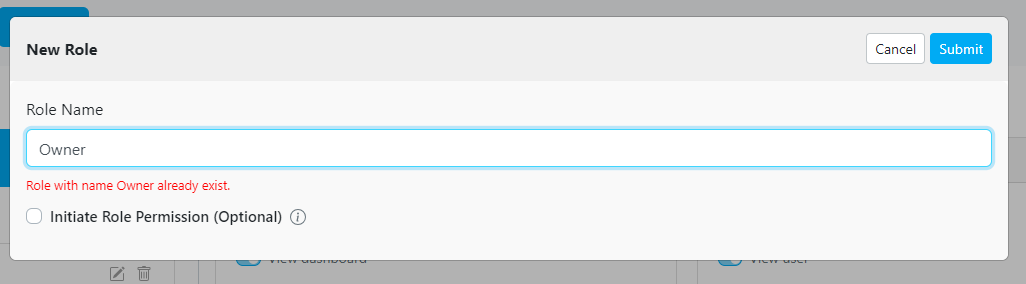
An alert will appear when you type an existing role name.
Edit Custom Role Name
The Setting-Permission menu allows you to edit the name of a custom role. This feature provides flexibility in naming roles according to your organization’s terminology or naming conventions. By modifying the custom role name, you can ensure clarity and accuracy in role identification within your system.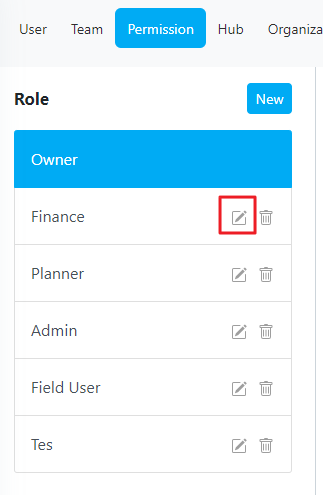
Delete Custom Role
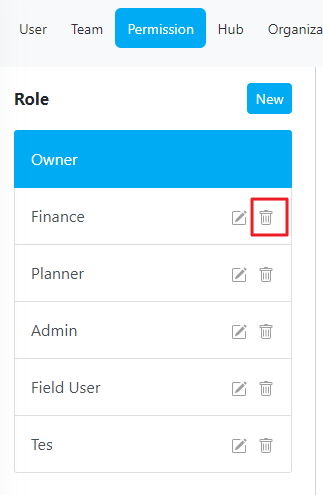
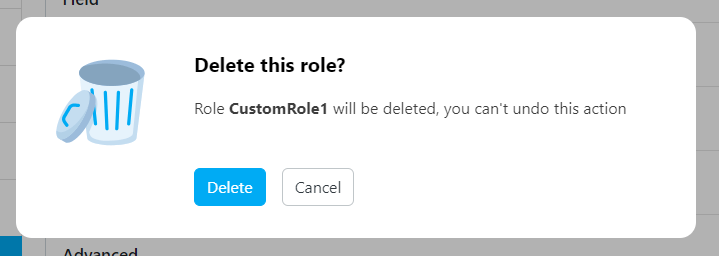
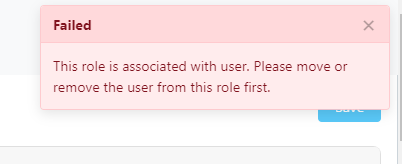
If a custom role is no longer needed, the “Delete Custom Role” functionality allows you to remove it from the system. Deleting a custom role removes all associated access permissions and settings for that role. Please exercise caution when deleting custom roles, as this action is irreversible and any users assigned to the deleted role will lose their assigned permissions.